What's New in Bookuply: April 2026 Updates
Discover the latest Bookuply updates: live chat, guest booking, Telegram alerts, smart reminders, and more. Everything your booking page needed — now live.
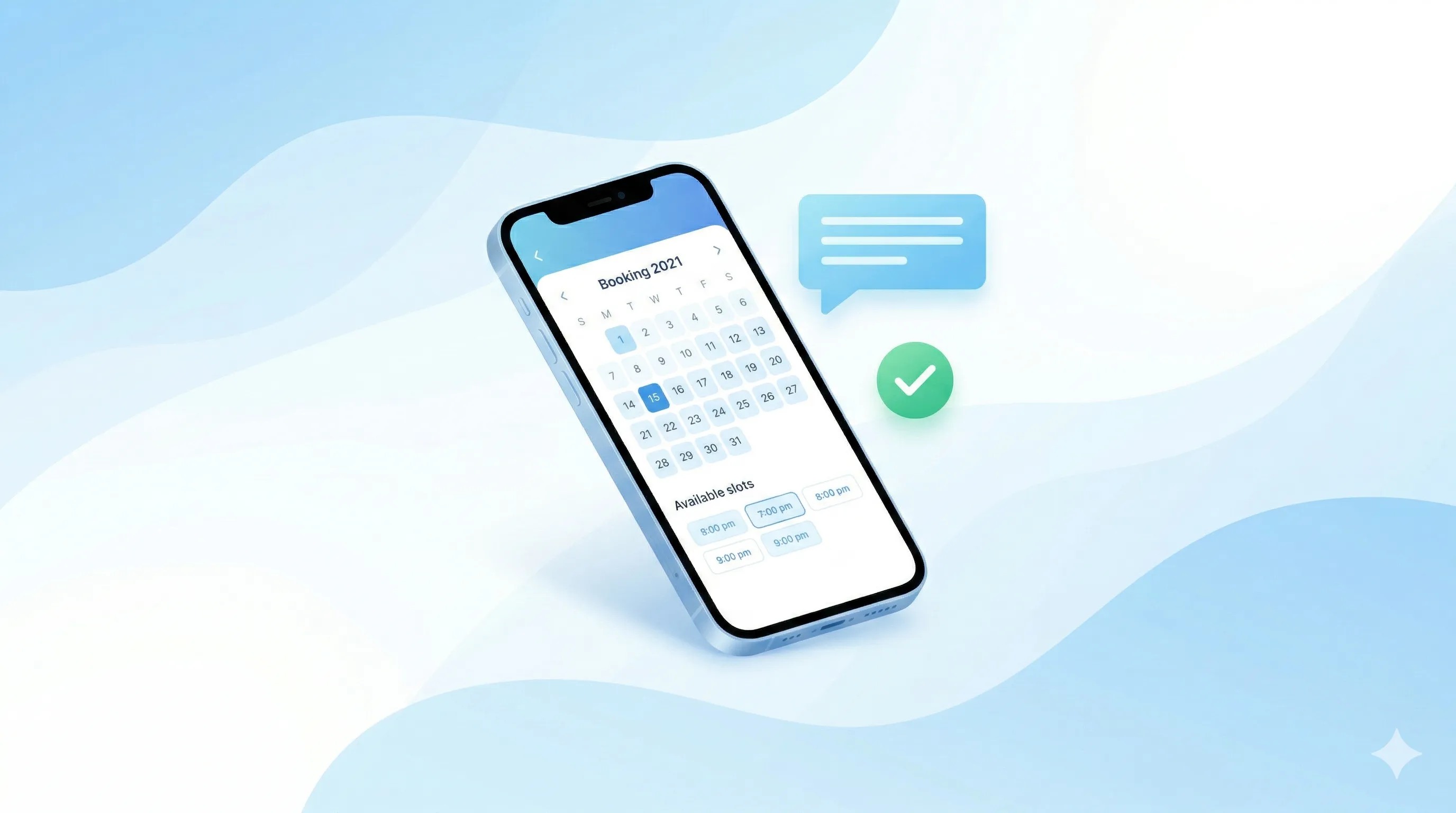
We've been busy. Over the past two weeks, the Bookuply team shipped a wave of improvements that make life easier for both you and your clients. Here's everything that's new.
Live Chat: Talk to Clients Right on Your Booking Page
Your clients can now send you a message directly from your Bookuply page — without switching to Instagram, WhatsApp, or anywhere else. You get their question, you reply, they book. Simple.
This works for logged-in clients and walk-in visitors alike. Even someone who found you through Google and has never used Bookuply before can start a conversation without creating an account.
Think of it like a WhatsApp chat — but built right into your booking page. Your client asks a question, you answer, they book. All in one spot.
Did you know? Most potential clients who don't get an answer within a few minutes move on to the next provider. Live chat keeps them on your page — and gets them into your calendar.
Guest Booking: No Account Required
Before this update, clients had to create an account before booking. Now they don't. A first-time visitor can pick a service, choose a time, enter their name and email, and confirm — done.
This removes one of the biggest friction points in online booking. Fewer steps = more bookings. Your business page just got a lot easier to convert.
- Perfect for walk-ins and referrals who are booking for the first time.
- Email confirmation is sent automatically — both to the client and to you.
- No extra setup needed — it works out of the box.
Cleaner, Shareable Profile Links
Your Bookuply profile URL now looks professional and is easy to share. Instead of a long string of random numbers, you get a clean address like bookuply.com/your-name.
Put it in your Instagram bio, on your business card, or in a text to a client — it's short, memorable, and clearly yours. This also helps your page appear higher in Google search results for your name or business.
Appointment Reminders
We've added a reminder system that sends notifications to clients before their upcoming appointments. Fewer no-shows. Less lost revenue. No manual follow-up needed on your end.
This runs automatically in the background — you don't have to do anything.
Bookuply tip: No-shows cost the average solo beauty professional hundreds of dollars a month. Automated reminders are one of the most effective ways to protect your income. See all business features →
Free Premium for a Full Year — Still Active
All of these features — chat, guest booking, reminders — are included in Bookuply Premium. And your first 12 months are completely free.
No credit card. No catch. Just a full-featured booking platform while we grow together.
Create your free account → and get everything above set up in minutes.
Want to Learn More?
If you're curious how Bookuply can help grow your business beyond just booking, check out these posts from our blog:
- How to Attract New Beauty Clients in 2026 — practical tips to grow your client base without spending on ads.
- How Solo Pros Can Outcompete High-End Salons — why being independent is actually your biggest advantage.
- Turning DM Chaos into a Profitable Business — how to stop losing clients in Instagram and start booking them properly.
Frequently Asked Questions
Do my clients need to download an app to use the live chat?
No. The chat works directly in the browser on your Bookuply booking page. No app, no account, no extra steps for your clients.
Will guest bookings show up in my calendar?
Yes. Every guest booking appears in your Bookuply dashboard the same way as any other appointment. You'll also receive an email notification when a guest books.
How do I get my personalized Bookuply link?
Your clean profile URL is generated automatically based on your business name when you set up your account. You can find it in your profile settings and share it anywhere.
What happens after the free year ends?
After your free year you choose a plan and pay one flat monthly fee, with zero percent commission on bookings. See the pricing plans. Early users will always be treated well — that's a promise.