Bookuply Gets Better — Mid-April 2026 Update
Live chat is now real-time, the website got a full redesign, and managing your team just got safer. Here's everything that's new at Bookuply this week.
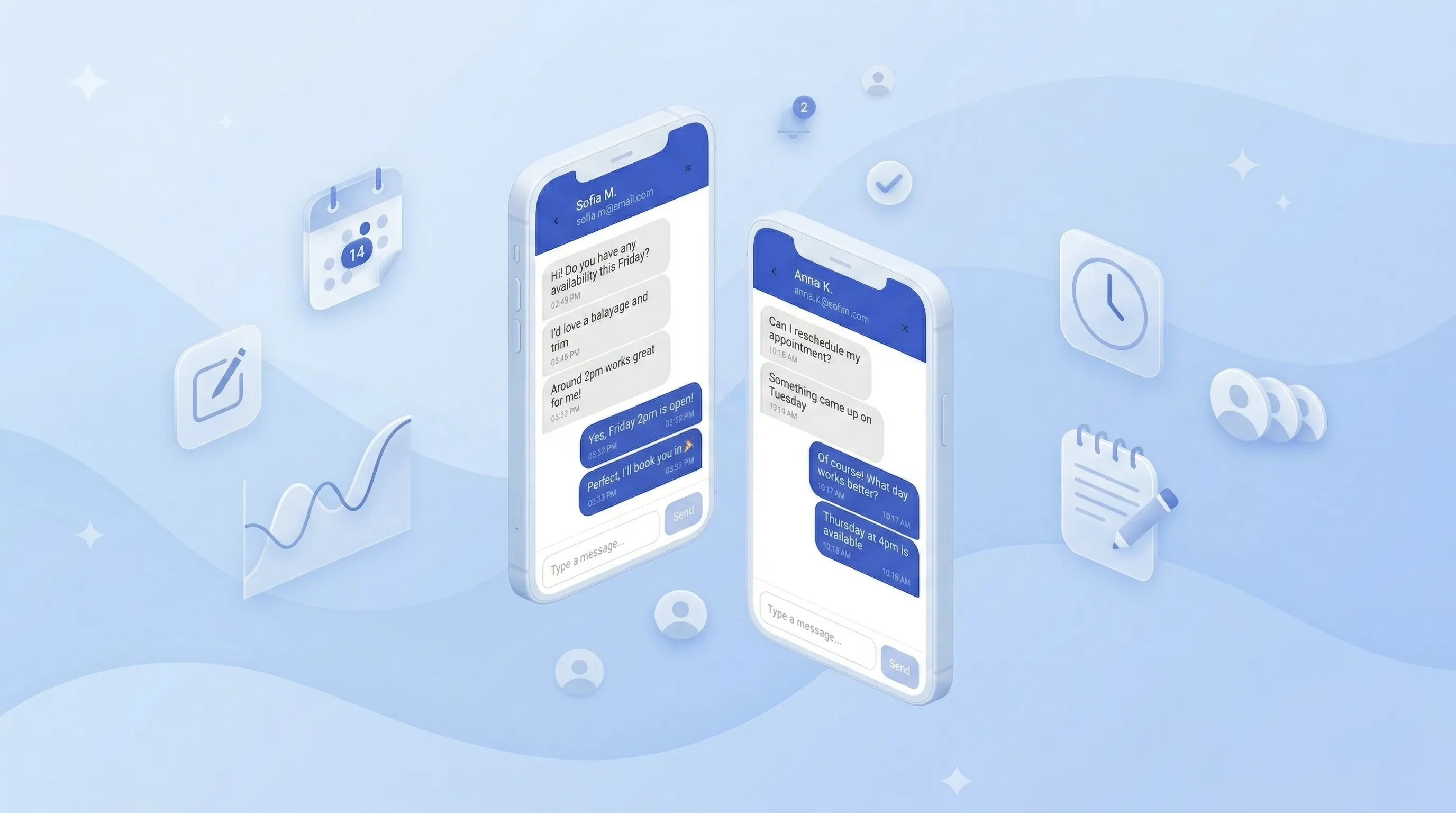
We don't slow down. Just days after our last update, the Bookuply team shipped another round of improvements — to live chat, to how the platform looks, and to how you manage your team. Here's exactly what changed, and why it matters for your business.
Live Chat: New Powers for Your Conversations
When we launched live chat last week, it was already better than anything built into a booking platform. This week, we made it even more powerful.
Messages Arrive Without Refreshing
Your client sends a message. You see it appear in your chat list — right now, without tapping anything. No delay, no refresh button. This is how chat is supposed to work, and now Bookuply delivers exactly that.
Unread Message Counts
A small badge now shows how many unread messages are waiting in each conversation. You'll never miss a client question again, even if you have several chats open at once.
Conversations Sorted by Most Recent
Your busiest conversations float to the top automatically. The client who just wrote to you is always right there — no scrolling, no hunting.
Provider Notifications
When a client sends a new message, you get notified. So even if you're not actively looking at your dashboard, you won't miss the moment someone wants to book.
Why this matters: Speed is everything in booking. A client who gets a reply within a minute books. A client who waits 30 minutes goes to someone else. Real-time chat means you're always first to respond — even when you're with another client.
Team Scheduling: Each Person Gets Their Own Schedule
If you have a team — even just two people — this update is for you.
Before, managing working hours for your team was rigid. Now, every provider on your team can have their own individual schedule. Different days. Different hours. No overlap, no confusion.
Here's how it works in practice
Say you have two nail techs. One works Monday to Wednesday, the other Thursday to Saturday. Before this update, it was tricky to set that up cleanly. Now it's straightforward:
- Go to your team settings in the dashboard.
- Open a provider's profile.
- Set their specific working days and hours.
- Each person's availability is completely independent from everyone else's.
Your clients will only see time slots that are actually available for the right person. No double-bookings, no gaps, no manual juggling on your end.
What this means if you work solo
Even if it's just you, you now have full control over when you're available — without any default schedule forcing your hand. Set your hours once and Bookuply handles the rest.
Real example: A salon with 3 specialists — each with different days and hours — can now run entirely on autopilot. Clients book the right person at the right time, automatically. No group chat coordination needed. See all team features →
A New Look for Bookuply.com
We redesigned the entire website this week — from the homepage to the pricing page to the features section. Cleaner layouts. Faster load times. Clearer messaging about what Bookuply does for your business.
Home Page
The first thing potential clients and new users see got a full refresh. Sharper visuals, less clutter, and a layout that communicates the value of Bookuply in seconds — not minutes.
Pricing Page
The pricing page now clearly shows what's included at every tier, with a modern design that makes the decision easy. Spoiler: your first year is still free.
For Business Page
The for business page was rebuilt with new sections highlighting team management, analytics, chat, and everything that makes Bookuply the right platform for growing service businesses.
First impressions count. If you've been sharing your Bookuply link with potential clients or on social media — this is a great week to remind people to check it out. The site looks noticeably more professional.
Mobile Navigation — Redesigned From Scratch
Most of your clients visit your booking page on a phone. This week we rebuilt the mobile navigation menu to feel faster, cleaner, and more intuitive. Fewer taps to get where you're going. A layout that doesn't get in the way.
If you manage your Bookuply account from your phone, you'll notice the difference immediately.
Clients Page — New Design
The clients section of your dashboard has a new look. Your client list is easier to scan, key information is more visible, and the overall experience feels more like a professional CRM — because that's exactly what it's becoming.
- Cleaner layout — each client entry is easier to read at a glance.
- Better mobile experience — works great on phone, not just desktop.
- Consistent design language — matches the rest of the new Bookuply UI.
Still Free. Still Getting Better.
Every single update in this post — and everything we shipped last week — is included in Bookuply Premium. And your first 12 months are completely free.
No credit card required. No hidden fees. No per-booking commissions. Just a platform that gets better every week, built specifically for service professionals like you.
Create your free account → and start taking bookings today.
Frequently Asked Questions
Do I need to do anything to get the new live chat features?
No. All updates are applied automatically. If you already have a Bookuply account, the improved real-time chat, unread counts, and notifications are already active on your page right now.
Will the website redesign affect my booking page?
The redesign applies to the main Bookuply.com marketing pages — homepage, pricing, and for-business. Your personal booking page is separate and was not changed. Your clients' booking experience remains exactly as they know it.
Can each team member really have a different schedule?
Yes. Every provider on your team has their own working hours set independently. One person can work Monday–Wednesday, another Thursday–Saturday — Bookuply keeps track of all of it automatically. Clients only see real available slots for the right person.
Is the mobile navigation update available now?
Yes. The new mobile menu is live. Open Bookuply on your phone and you'll see the updated navigation immediately — no app update needed since Bookuply runs entirely in the browser.
What's coming next?
We're working on more improvements to the analytics dashboard, deeper client history, and additional notification options. Follow this blog or create your account to stay updated as new features ship.